
Featured
-
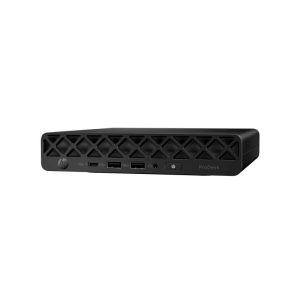 HP ProDesk 4 Mini G1i AI PC, Intel Core Ultra 5 225T, 16GB DDR5 RAM, 256GB NVMe SSD, Win11 Pro
£529.00 + VAT
HP ProDesk 4 Mini G1i AI PC, Intel Core Ultra 5 225T, 16GB DDR5 RAM, 256GB NVMe SSD, Win11 Pro
£529.00 + VAT
-
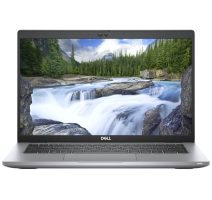
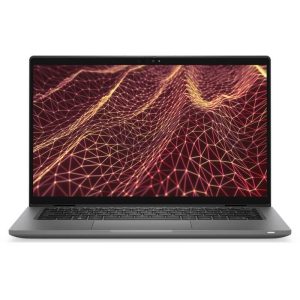 Dell Latitude 7430 14-inch TouchScreen Laptop Intel i5-1245u 16GB RAM 256G SSD Win11
£249.00 + VAT
Dell Latitude 7430 14-inch TouchScreen Laptop Intel i5-1245u 16GB RAM 256G SSD Win11
£249.00 + VAT
-
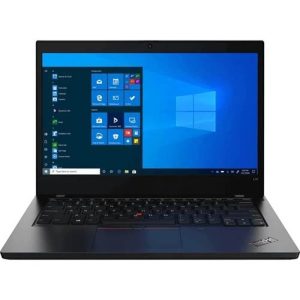 Lenovo ThinkPad L14 Gen2 14-inch Laptop Intel i5-1135G7, 8GB RAM, 256GB SSD Win11
£179.00 – £209.00 + VAT
Lenovo ThinkPad L14 Gen2 14-inch Laptop Intel i5-1135G7, 8GB RAM, 256GB SSD Win11
£179.00 – £209.00 + VAT
- Please choose product options by visiting Dell Precision 7560 15.6-inch Laptop Intel i5-11500H, NVIDIA T1200, 16GB RAM, 512GB SSD, Win11 Pro.
-
Dell Precision 5570 4K TouchScreen Laptop Intel i9-12900H, 32GB DDR5, 512GB SSD Nvidia RTX Gfx Win11
Out of Stock
 £699.00 + VAT
Out of Stock
-
Dell Precision 7560 15.6-inch Laptop Intel Core i7-11850H 32GB Ram 512GB SSD Nvidia Grfx Win11
Out of Stock
 £499.00 – £549.00 + VAT
Out of Stock
-
Dell Precision 7750 17.1-inch Laptop Intel Core i7-10850H 32GB Ram, 512GB SSD Nvidia Quadro Grfx Win11
Out of Stock
 £499.00 – £649.00 + VAT
Out of Stock
-
Dell Precision 7560 15.6-inch Laptop Intel Core i7-11850H 64GB Ram 1TB SSD Nvidia Grfx Win11
Out of Stock
£599.00 – £699.00 + VATOut of Stock

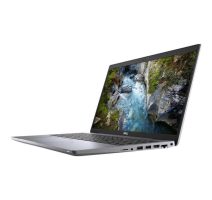
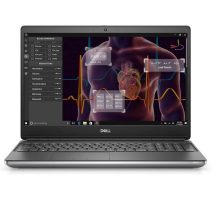
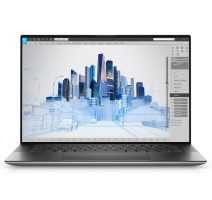
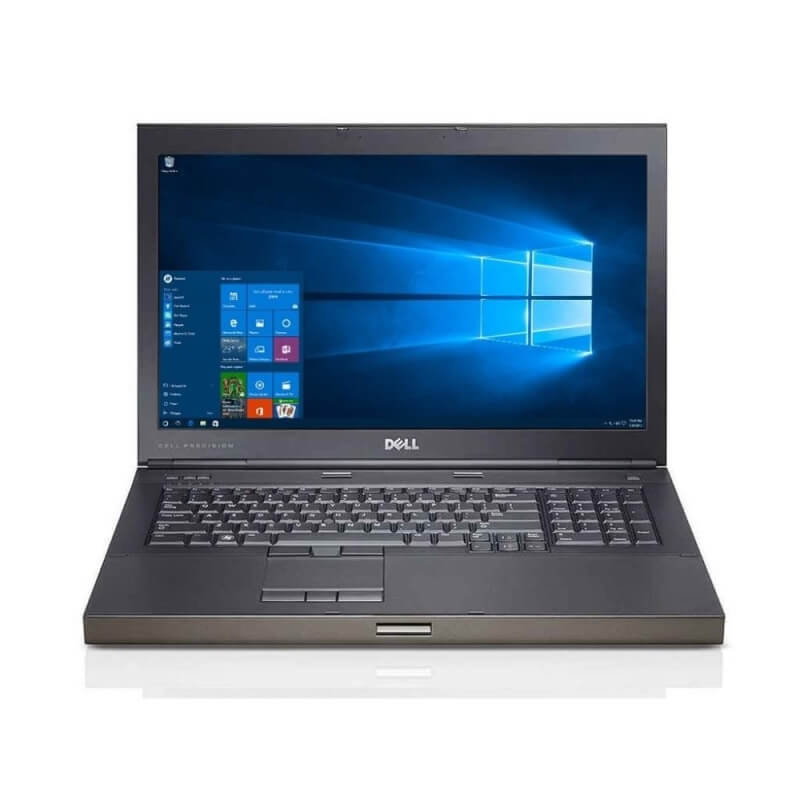
Professional Workstation Laptops for CAD, BIM & Creative Work
If your work involves CAD, 3D rendering, video editing or crunching large datasets, a standard laptop will eventually let you down — usually mid-render, at the worst possible moment. That’s the gap workstation laptops are built to close.
We stock refurbished Dell Precision and Lenovo ThinkPad P-Series laptops, chosen because they’re the two ranges most engineers, designers and analysts in the UK actually ask for by name. Every unit has been tested, wiped of previous data, graded honestly (A, B+ or B-), and backed by our warranty — so you’re getting genuine ex-corporate hardware, not a gamble.
Prices currently start from £129 + VAT for older i7 models and run up to around £699 + VAT for higher-spec Precision 7000-series machines with 64GB RAM and pro-grade Nvidia graphics. Whatever your budget, there’s usually a sensible match below.
How to Choose the Right Refurbished Workstation Laptop
Buying a workstation laptop isn’t quite the same as buying a normal laptop. The specs that matter to a video editor or a structural engineer aren’t the ones on the box of a typical high-street machine. Here’s what’s actually worth paying attention to.
What makes a laptop a “workstation” in the first place?
A workstation laptop is built around three things a consumer laptop usually skimps on: a professional-grade graphics card, more RAM than you’d expect to need, and a chassis designed to keep both running flat-out for hours without throttling. Dell’s Precision range and Lenovo’s ThinkPad P-Series are the two most established mobile workstation lines on the market, and both use Nvidia’s professional graphics (Quadro, T-series or RTX A-series) rather than the GeForce chips found in gaming laptops. That distinction matters more than most buyers realise — professional GPUs are ISV-certified, meaning software like AutoCAD, SolidWorks and Revit has been tested against them specifically, which reduces crashes and rendering glitches in ways a gaming card simply isn’t built to guarantee.
Workstation laptop vs. gaming laptop — what’s the real difference?
They can look similar on paper, and both can be genuinely powerful, but they’re built for different jobs:
| Workstation Laptop | Gaming Laptop | |
|---|---|---|
| Graphics card | Nvidia Quadro / T-series / RTX A-series (professional, ISV-certified) | Nvidia GeForce / AMD Radeon (consumer, tuned for frame rate) |
| Priority | Stability, accuracy, sustained load over hours | Peak frame rate, high refresh rate displays |
| Typical software | AutoCAD, SolidWorks, Revit, DaVinci Resolve, Blender | Games, general use |
| Display | Colour-accurate panels, often Full HD to 4K | High refresh rate (120Hz–240Hz), speed over colour accuracy |
| Build focus | Reliability under continuous professional workloads | Cooling for short, intense gaming sessions |
If your day job involves design, engineering or content creation software, a workstation laptop will simply behave more predictably under load. If you mostly want frame rate, a gaming laptop is the better spend.
How much RAM and storage do you actually need?
- 16GB RAM is a sensible minimum for CAD, spreadsheets-heavy analysis, and light photo editing.
- 32GB RAM is where most professional 3D, video editing and multi-app workflows feel comfortable.
- 64GB RAM is worth the extra cost if you’re regularly working with large assemblies, high-resolution video timelines, or big datasets.
Storage-wise, aim for at least a 512GB SSD — project files, render caches and CAD assemblies fill drives faster than most people expect, and an SSD (rather than a mechanical drive) makes a real difference to how quickly large files open and save.
Comparison Table: Which Range Fits Your Work?
| Range | Best for | GPU tier | Starting price* | Strength | Worth knowing |
|---|---|---|---|---|---|
| Dell Precision | Enterprise engineering teams, long-term reliability | Consumer RTX – RTX PRO | From ~£1,600 | Proven track record, strong enterprise support | Often the safest procurement choice for IT departments |
| HP ZBook | Design agencies, mixed creative/CAD workflows | Consumer RTX – RTX PRO | From ~£1,400 | Slim, portable chassis without losing certification | ZBook Firefly is the lightest ISV-certified option available |
| Lenovo ThinkPad P Series | Engineers who travel, CAD on the move | Consumer RTX – RTX PRO Blackwell | From ~£1,300 | MIL-SPEC durability, best-in-class keyboard | ThinkPad P16s offers strong value for entry-level workstation buyers |
| High-spec RTX gaming laptops | Freelancers needing raw performance on a budget | Consumer RTX only | From ~£1,000 | Best raw performance-per-pound | Not ISV certified — fine for most 3D/render work, riskier for mission-critical CAD |
Every grade, regardless of cosmetic condition, is fully function-tested, professionally data-wiped, and covered by the same warranty.
Dell Precision or Lenovo ThinkPad P-Series?
Both are excellent, and in refurbished condition the “right” choice usually comes down to what’s in stock and your budget rather than one brand being objectively superior:
| Dell Precision | Lenovo ThinkPad P-Series | |
|---|---|---|
| Reputation | Long-standing default choice for engineering and design teams | Known for keyboard quality and build durability |
| Series range | 3000 (entry mobile workstation), 5000 (thin & light), 7000 (maximum power, larger chassis) | P14s (compact, everyday CAD use) |
| Best for | Users who want a wider range of specs and screen sizes to choose from | Users prioritising portability and typing comfort for long sessions |
FAQs
What is a workstation laptop used for?
Workstation laptops are built for demanding professional work such as CAD design, 3D modelling and rendering, video editing, engineering simulations, and large-scale data analysis. They combine professional-grade graphics cards, higher RAM capacity, and cooling systems designed for sustained heavy use — tasks that would cause a standard laptop to slow down or overheat.
What’s the difference between a workstation laptop and a gaming laptop?
The main difference is the graphics card and what it’s optimised for. Workstation laptops use professional, ISV-certified GPUs (Nvidia Quadro, T-series or RTX A-series) built for accuracy and stability in software like AutoCAD or SolidWorks. Gaming laptops use consumer GPUs (Nvidia GeForce or AMD Radeon) tuned for high frame rates in games. Workstations prioritise sustained reliability; gaming laptops prioritise speed and refresh rate.
Is it worth buying a refurbished workstation laptop?
Yes, for most buyers. Refurbished workstation laptops are typically off-lease corporate machines that have been professionally tested, data-wiped and restored to working order, sold at a significant discount to their original price. You get genuine enterprise-grade specifications — the kind that would cost considerably more new — with the trade-off being a slightly older hardware generation, which matters less for workstation tasks than raw core count and RAM.
How much RAM do I need for CAD or 3D rendering?
16GB is a workable minimum for CAD and general design software. 32GB is more comfortable for 3D modelling, video editing and multitasking across several professional applications. 64GB is worth considering if you regularly work with large assemblies, 4K video timelines or sizeable datasets.
What does “Grade A” mean on a refurbished laptop?
Grade A means the laptop shows minimal to no visible signs of previous use and looks close to new cosmetically. Grade B+ indicates light wear such as small marks or scuffs, and Grade B- indicates more noticeable cosmetic wear. All grades are fully function-tested and carry the same warranty regardless of cosmetic condition.
Do refurbished laptops come with a warranty in the UK?
Yes. Every laptop we sell is covered by a warranty and can be returned within 30 days if it isn’t right for you. This is standard practice among reputable UK refurbishers and worth confirming before buying from any seller.
Can a workstation laptop run AutoCAD and SolidWorks?
Yes — that’s specifically what they’re built for. Both AutoCAD and SolidWorks are certified to run on professional Nvidia Quadro, T-series and RTX A-series graphics cards, which is why workstation laptops such as the Dell Precision and Lenovo ThinkPad P-Series are the standard choice for CAD professionals.
